Your Shopify store is up, but its address looks like your-store.myshopify.com. You want a real address, like yourstore.com. Two questions come up. How much does it cost, and should you buy it from Shopify or somewhere else?
The short answer fits in one sentence. Buy from Shopify if you want zero setup, and from a registrar if you want your domain and your inbox with the same provider. The rest covers prices, both ways to do it and the steps for a domain at OVHcloud, a common registrar in Europe.
Shopify's free domain name
Every Shopify store gets a myshopify.com address at no extra cost. It's the only free domain name Shopify provides.
Shopify creates it when you sign up, with a random ID. You can replace it for free with a more readable one, like matchata.myshopify.com. You do it in Settings > Domains, by clicking the pencil icon next to the address. Shopify only lets you make this change once.
This address is enough to build and test the store. For selling, it has two drawbacks. The word "myshopify" makes it long and hard to remember. And a customer who's unsure about paying on an unknown site gets a little warier when the address isn't yours.
Also keep in mind that Shopify plans don't include a custom domain. You pay for the domain separately, every year.
How much a domain costs through Shopify
Shopify sells domains itself. It acts as a reseller, and the domain is registered in your name. Here are the prices shown by Shopify's domain name generator.
| Extension | Through Shopify, per year |
|---|---|
| .com | $16 |
| .fr | $20 |
| .store | $9 |
Prices checked on October 29, 2026 on Shopify's domain name generator. The exact price, taxes included, shows in your admin before you buy. With Shopify as with anyone else, the renewal price can differ from the starting price.
A registrar can be cheaper on some extensions, so compare renewal prices rather than the first year. What you pay for at Shopify is simplicity. The domain connects on its own, with no DNS settings, and you manage it in the same admin as your store.
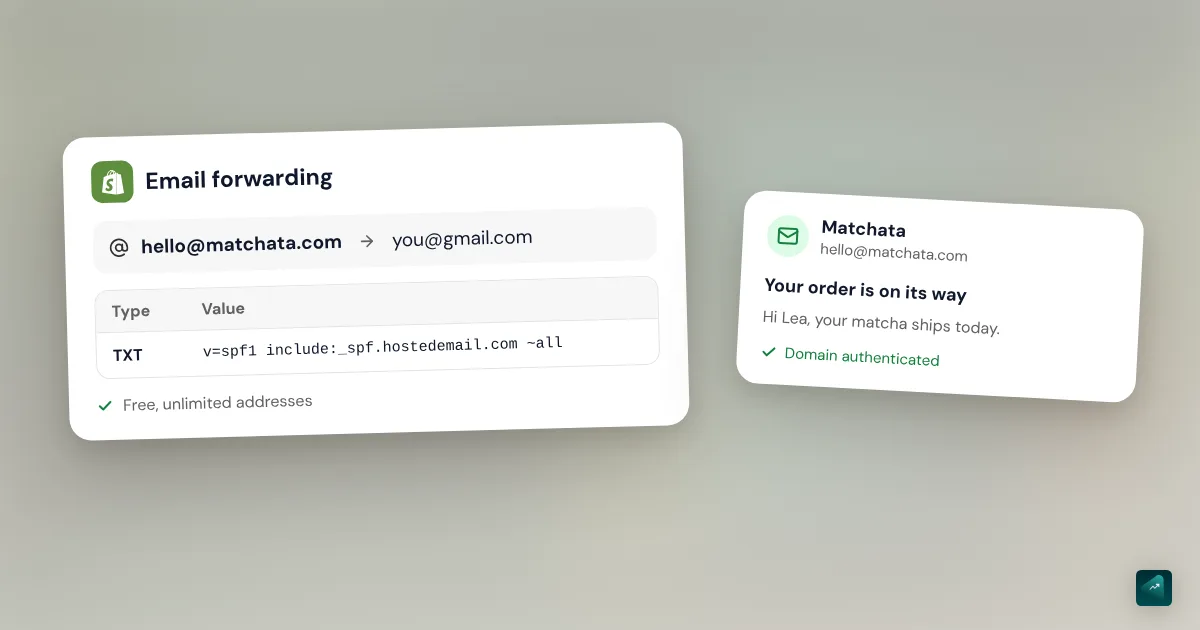
There are two limits to know. Shopify doesn't host email. It only lets you forward an address like hello@yourstore.com to your usual inbox. To choose between forwarding and a real inbox, and set your sender email, read the Shopify business email guide. And the domain stays tied to a paid Shopify plan. If you ever close your store, you need to transfer the domain elsewhere first to keep it.
Buying your domain through Shopify, step by step
- In your Shopify admin, go to Settings > Domains.
- Click Buy new domain.
- Type the name you want, then compare the available extensions and their prices.
- Click Buy next to the one you pick.
- Check your contact details and payment method. Auto-renewal is on by default.
- Click Buy domain.
- Open Shopify's email and verify your email address.
Don't skip the last step. If you don't verify your email address within 15 days, your domain may be suspended.
If it's your store's first domain, it automatically becomes the address your customers see. Allow up to 48 hours before it works everywhere.
Connecting a domain bought elsewhere
If you already own a domain at another registrar, you don't need to buy it again. You connect it to Shopify by changing its DNS records. These are the lines that tell the internet where to find your site.
Shopify offers an automatic connection for domains bought from Cloudflare, GoDaddy or IONOS. You log in to your account with them from Shopify, and the settings apply themselves. For every other provider, you set things up by hand.
Step 1: Change the DNS at your provider
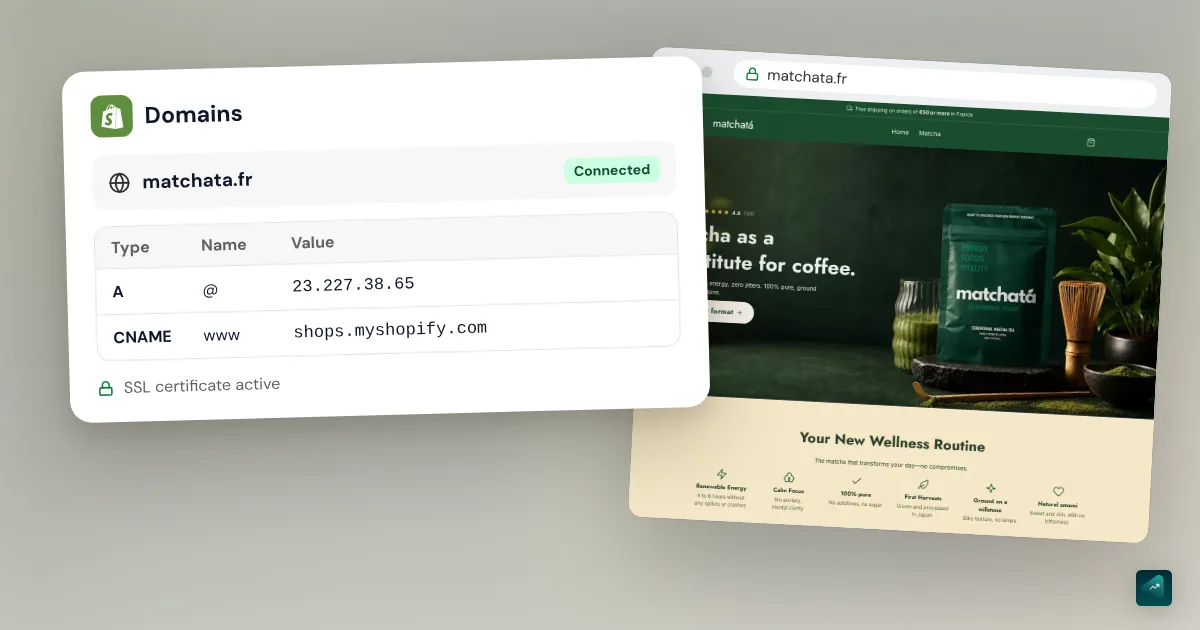
Log in to your provider account, then open your domain's DNS settings. You need exactly these three records.
| Type | Host or subdomain | Value |
|---|---|---|
| A | @ (or blank) | 23.227.38.65 |
| AAAA | @ (or blank) | 2620:0127:f00f:5:: |
| CNAME | www | shops.myshopify.com. |
Values checked on October 29, 2026 in the Shopify Help Center.
Delete any other A and AAAA records on the domain, since only one of each can remain. For the CNAME record, keep the trailing period after ".com". If your provider rejects the short IPv6 address, Shopify gives the long version, 2620:0127:f00f:0005:0000:0000:0000:0000. You don't need to touch the TTL.
Step 2: Add the domain in Shopify
- In your Shopify admin, go to Settings > Domains.
- Click Connect existing domain.
- Type your domain without the "www", for example yourstore.com, then click Next.
- Click Connect domain.
Step 3: Make it your primary domain
The primary domain is the address shown in the browser bar. Your store's other addresses, myshopify.com included, then redirect to it.
- In Settings > Domains, click your domain.
- In the Type row, click Change.
- Select Primary domain.
- Click Change domain type to save.
Shopify asks that the domain show the Connected status before this step.
Connecting an OVHcloud domain to Shopify
OVHcloud publishes its own guide for Shopify. It uses the values from the table above, with OVHcloud's menus.
- In your OVHcloud account, select your domain, then open its DNS zone.
- A record. Filter on type A. On the bare domain, keep a single entry and set its target to 23.227.38.65. Leave the subdomain field blank. Delete the A entries for "www".
- AAAA record. Same logic with type AAAA and the target 2620:0127:f00f:5::.
- TXT records. OVHcloud's guide asks you to delete the TXT entries on the bare domain and on "www".
- CNAME record. On "www", keep a single entry and set its target to shops.myshopify.com. with the trailing period. If it doesn't exist, add a CNAME entry with "www" as the subdomain.
- Go back to Shopify and do step 2 above, Connect existing domain.
Be careful with step 4 if you have an email address on this domain. Some TXT records are used for email, like the one starting with "v=spf1". If you delete them, your emails may land in spam. Check with your email provider before you touch them.
Shopify Support can't access your OVHcloud account. If a record won't save, OVHcloud's support or community is where to get help.
Propagation time and SSL
After your DNS changes, the connection usually completes in under two hours. It can take up to two days.
During that time, don't keep making changes. Shopify advises waiting 48 hours before fixing anything, because each change restarts the wait.
The SSL certificate is the padlock in the browser bar. Shopify provides it for free for every domain, so there's nothing to buy. For a domain bought elsewhere, it can take up to 48 hours to arrive. In the meantime, your admin shows "TLS or SSL pending." That's normal.
If the status doesn't turn to Connected after 48 hours, check these three things.
- The three records in the table. One forgotten old A record is enough to block it.
- DNSSEC. If it's on and misconfigured at your provider, Shopify advises turning it off.
- CAA records. If your domain has any, they must allow letsencrypt.org, pki.goog and ssl.com.
Shopify or a registrar: which to pick
Buy through Shopify if it's your first domain and you don't want to deal with DNS. You may pay a little more depending on the extension, and everything is set up in one click. You can still connect a real inbox to it, like Google Workspace or Zoho Mail.
Buy from a registrar if you want your domain and your inbox with the same provider. It's also the right call if you already have other domains there. Connecting to Shopify takes ten minutes with the table above.
Either way, pick the right name first. How to name your online store explains how to check that it's available, trademarks included.
What Ova does around the domain
Ova doesn't connect or buy a domain name for you. That's a step you do yourself in Shopify, in ten minutes with this guide. Ova handles the rest of the store in the Shopify admin. Say you switch addresses after selling on the old one. You can then tell it "Redirect the old /products/fig-candle URLs to the Candles collection." Generating and editing are free, and a Scale Ova subscription is only needed to publish to Shopify.
FAQ
Does Shopify give you a free domain name?
How much does a Shopify domain cost?
Can I keep a domain from another registrar with Shopify?
How long does it take to connect a domain to Shopify?
Do I need to buy an SSL certificate for my Shopify store?
What if Shopify says the domain is already connected to another store?
Sources
- Shopify Help Center, buying a domain through Shopify
- Shopify Help Center, connect your third-party domain to Shopify manually, DNS values checked on October 29, 2026
- Shopify Help Center, connecting a third-party domain to Shopify, two hours to two days
- Shopify Help Center, connect your third-party domain automatically
- Shopify Help Center, change your primary domain
- Shopify Help Center, secure connections (TLS and SSL)
- Shopify Help Center, troubleshooting domain issues
- Shopify Help Center, business settings and the myshopify.com domain
- Shopify, domain name generator, prices checked on October 29, 2026
- Shopify Help Center, setting up email hosting, Zoho Mail and Google Workspace on a Shopify-managed domain, accessed October 29, 2026
- OVHcloud, connecting an OVHcloud domain name to Shopify (in French)