To enable local pickup on Shopify, go to Settings > Shipping and delivery > Pickup in store, select a location and enable pickup. Then set the processing time and the instructions sent to the customer. This built-in feature lets customers order online and collect their purchases from your store.
Enable the right pickup location
You need a location that fulfills online orders and the current Shopify checkout. Under additional delivery methods, open pickup in store, then:
- Select the store and enable pickup there.
- Choose a processing time your team can meet.
- Enter pickup instructions and save.
If inventory is held elsewhere, configure store transfers and their processing time. Shopify’s setup guide explains these settings.
A shipping rate named “Free pickup” is not enough: use the pickup method that connects the order to a location.
What the customer needs to understand
Here is a fictional set of instructions for a small shop:
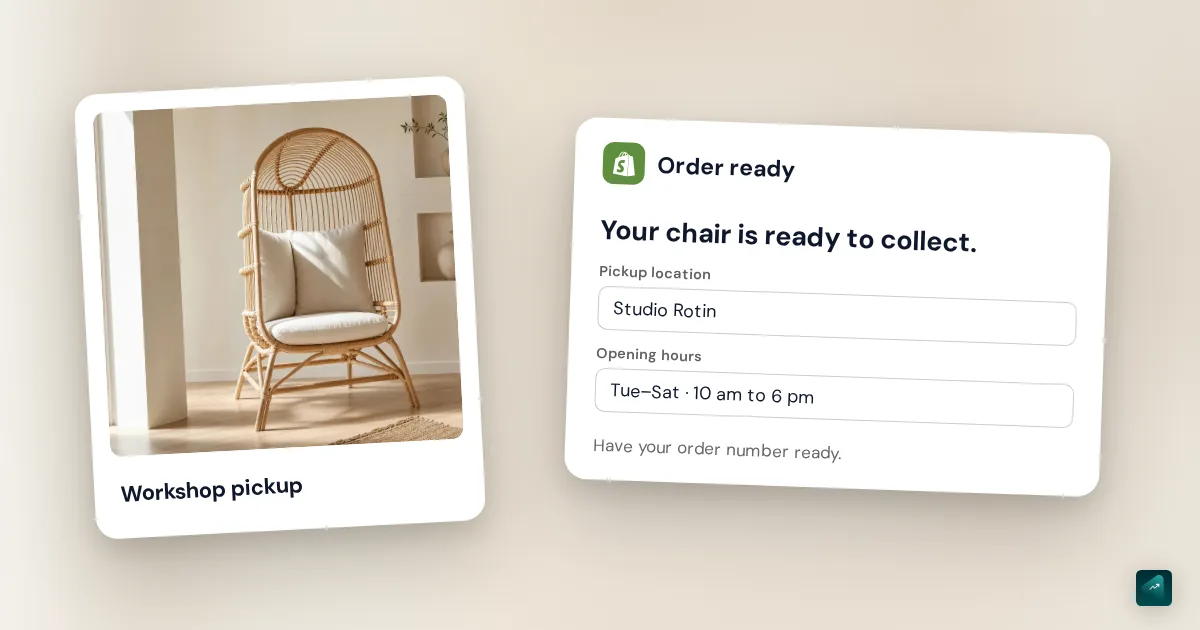
Wait for the email confirming your order is ready. Collect at the counter, Tuesday to Saturday, 10 am to 6 pm. Have your order number ready.
Adapt the hours and location to your business. For a workshop, identify the correct entrance; for a shared retail space, give the name to ask for. The processing time shown at checkout and the pickup instructions should tell the same story.
Store pickup and home delivery are separate journeys. For shipping rates, use the Shopify shipping and payments guide.
From order preparation to collection
Prepare the items before marking the order as ready for pickup: that step notifies the customer. After the customer collects the purchase, mark the order as picked up. Your team can also do this in Shopify POS if it works from the register.
To check your setup, place a test order with a product available at the selected location. Check the location offered at checkout, processing time, email and instructions. An order confirmation is not an invitation to collect it immediately.
If pickup is missing at checkout
Recheck the specific product, variant and location. Look at inventory there or the transfers you configured. Stock at another warehouse does not establish that the selected store can prepare the pickup. Also check the country selected at checkout: Shopify only shows pickup locations in that country.
Configuration documented by Shopify, checked on November 12, 2026.