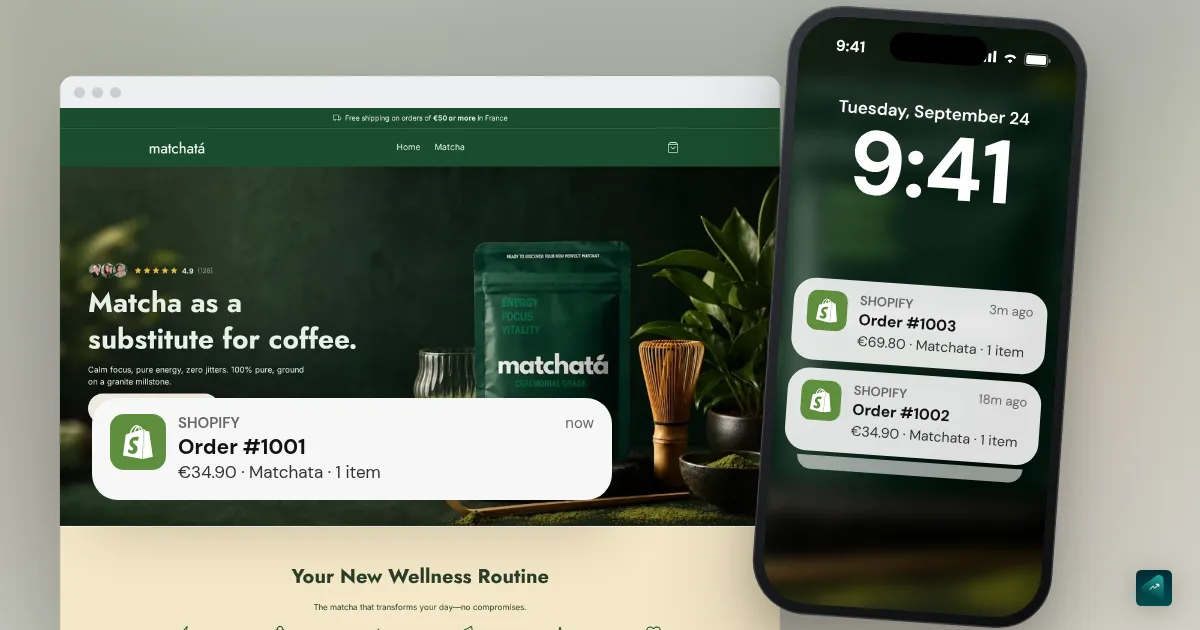
Your store is live and your product is ready, but nothing happens. That's normal, because a new store has no visitors. Nobody knows it and Google hasn't ranked it yet. No ad is running either.
The good news is that the first sale doesn't take thousands of visitors. A few dozen good visits on a store that inspires trust are enough. Here's the plan, in order.
The math to do first: how many visitors per sale
Littledata measured 2,800 Shopify stores and found an average conversion rate of 1.4%. The top 20% of stores are above 3.2%. The top 10% go beyond 4.7%.
| Conversion rate | Visitors per sale | For ten sales |
|---|---|---|
| 1.4% (Shopify average) | About 70 | About 700 |
| 3.2% (top 20%) | About 30 | About 310 |
| 4.7% (top 10%) | About 20 | About 210 |
You can draw two lessons from this. First, don't conclude anything with fewer than fifty visitors. At that stage, having no sale says nothing about your product yet. Second, doubling your conversion rate halves the traffic you need. That's why you check the store before going to find people.
The checklist before sending a single visitor
On average, seven carts out of ten are abandoned, according to the Baymard Institute (70.22% across 50 studies). Its research also lists the reasons, taken from a survey of US online shoppers. Almost every one can be fixed in a few minutes in Shopify.
| Abandonment reason (Baymard) | Share of shoppers | What you check |
|---|---|---|
| Extra costs too high (shipping, taxes) | 40% | Shipping is shown on the product page, not discovered at checkout |
| Delivery too slow | 20% | Your real delivery time, measured with your test order, is written clearly |
| Didn't trust the site with card details | 19% | Legal notice, contact, terms and returns policy are reachable from the footer |
| Account creation required | 18% | Guest checkout is on (it is by default on Shopify) |
| Checkout too long or complicated | 17% | You've placed an order end to end on your phone |
| Website errors | 17% | No dead links, no broken images, no empty pages |
| Unsatisfactory returns policy | 13% | Your returns policy is clear, and visible near the buy button |
| Couldn't see total cost upfront | 12% | The price with shipping can be worked out from the product page |
| Card declined | 10% | Shopify Payments is on and tested |
| Not enough payment methods | 9% | Apple Pay, Google Pay, Shop Pay, PayPal depending on what your audience uses |
Each row has its tutorial. The Shopify test order checks checkout and measures your real delivery time. Shopify legal pages covers the terms and the returns policy. Costs, the delivery time you show and payment methods are set in Shopify shipping and payments setup.
Add to that a product page that answers your customer's questions before they ask. Still using the supplier's description? Then the product page that converts method is the best use of your time before looking for traffic.
One last test remains. Send your store link to two people who don't know it, then watch them buy on their phone without helping. Wherever they hesitate, your visitors will abandon.
Your first visitors, without paying
People you know, but to learn. Send your store to ten people you know who look like your customer. Don't ask if it looks nice. Ask instead what would make them buy and what stops them. A sale to a friend doesn't prove much, while honest feedback is worth a lot more.
Short video content. TikTok, Instagram Reels and YouTube Shorts show your videos to people who don't follow you. Film the product while someone uses it and show the problem it solves. Unboxing your test order makes a good video too. One video a day for two weeks teaches you more about your product than a month of thinking. TikTok photo carousels work the same way, without filming. All you need is a few photos of your product and a hook on the first one. Our comparison of TikTok carousel tools tells you which ones post them for you.
Your niche's communities. Your customer already talks about their problem somewhere, in Facebook groups, forums, Discord servers, or subreddits. Start by taking part and helping. Only post your link when it's allowed and useful. An ad in a group where you've never spoken gets deleted, and it closes the door.
Free Google Shopping. Shopify's Google & YouTube app publishes your products in Google's Shopping tab, without paying per click. Install it as soon as your store is live. The Google Shopping tutorial walks through the setup and what keeps your account from being suspended.
Pinterest. For decor, fashion, beauty or cooking, a pin keeps bringing visitors for months. Every product can become a pin that links to its page.
Search on your product pages. Use the words your customer types into Google in your title and description. That earns you free traffic that builds up. It comes in more slowly than the rest, but it's the one that lasts. The Shopify SEO guide shows where to put those words, setting by setting.
Your first paid test, and how to read it
Once your store has had its first visitors and the checklist is clean, you can test ads. Before launching, decide what will count as success.
Work out your minimum ROAS. ROAS is the revenue brought in by each unit of ad spend. Your minimum ROAS is the one below which every sale loses you money. It depends on your margin, and the smaller it is, the higher the ROAS you need. The break-even ROAS calculator gives it to you from your price and costs.
Set a test budget you accept losing. A first test is for learning, not winning. Pick one product and one audience. Let it run long enough to get a few dozen clicks before judging. Install the platform's pixel first. Without it, you won't see the carts or payments that come from the ads. Installing the Meta and TikTok pixels on Shopify explains how. The campaign step by step is then in your first Meta Ads campaign and the TikTok Ads tutorial.
Read the numbers in order.
- Do people click? If almost nobody clicks, it's your ad or your product that doesn't grab people. Your store isn't the problem.
- Do the people who arrive add to cart? Clicks without add-to-cart means your product page or your price is the blocker.
- Do the people who add to cart pay? Carts without payment mean a checklist item is stuck. It's often shipping.
- Is your ROAS above your minimum? Only then can you raise the budget.
Every step that blocks tells you exactly what to fix. That's what a first test is really for.
What to do after your first sale
Place the order with your supplier the same day. Check that the tracking comes through in Shopify, then write to your customer to thank them. Once they've received the package, ask for a review, with a photo if possible. That first customer review is the proof your product page was missing. It lifts your conversion rate for every visitor after that.
No store yet? You can generate it with Scale Ova from your product. You look at it and change it for free, then only pay when you publish it on Shopify.
FAQ
How long does it take to make a first online sale?
Why do I have visitors but no sales?
Do I need ads for my first sale?
What's a good conversion rate?
Sources
- Reasons for cart abandonment, Baymard Institute, accessed October 29, 2026
- What is a good conversion rate for Shopify stores?, Littledata, study of 2,800 Shopify stores
- Google & YouTube for Shopify, Shopify App Store, accessed September 18, 2026