Launching a Shopify store has become much more accessible than it was 5 years ago. But between YouTube videos promising you'll scale to $10k/month in 30 days and official tutorials that gloss over half the topics, it's hard to know what you're really signing up for.
I run Scale Ova, a platform that helps people launch Shopify stores. The problem often appears in the same place: beginners spend too much time on themes and apps, then too little on the product and offer. This guide is what I would tell a friend asking, “where do I start?” We will cover the real cost, seven steps, and the useful starting stack.
Why Shopify (and not something else)
For most new projects, yes. Not simply because Shopify is well known, but because it removes much of the technical maintenance at the beginning.
Here's why I recommend Shopify by default today:
- It's become the standard. Several million stores run on Shopify today. And when a standard takes hold, the whole ecosystem follows: apps, freelancers, integrations, training.
- The app ecosystem is massive. The Shopify App Store contains thousands of apps for email, loyalty, subscriptions, dropshipping, and product customization.
- It's technically solid. Managed hosting, SSL certificate included, automatic updates, PCI compliance. You don't have to manage anything on the infra side.
- It scales. You start on the entry plan, you end up on Shopify Plus if your thing blows up. The transition is gradual, no migration.
The serious alternatives, and their trap:
WooCommerce. Free to install, but hosting, extensions, and maintenance remain your responsibility. It fits when WordPress is already central and someone can own the technical work. Otherwise, freedom can quickly become a task list.
BigCommerce. Clean, with stronger built-in B2B features, but the freelancer ecosystem is thinner than Shopify's.
Wix / Squarespace. Fine when the main asset is a content or brochure site with a simple store. Constraints become more noticeable as catalogs, variants, sales channels, and integrations grow more complex.
In 2026, Shopify remains the smart default for most new e-commerce projects. Not really a debate. And if you want to see what merchants actually say about it, the good and the not-so-good, I covered all of it in my full Shopify review.
How much it really costs to build a Shopify store
Plan for $80-120 per month in fixed costs at startup (Shopify plan + domain + essential apps), excluding inventory and marketing.
The price displayed on Shopify's pricing page is the tip of the iceberg. The real cost of a store getting off the ground is what nobody tells you before you sign up. That's where most people get caught.
Unavoidable costs
| Item | Range | Notes |
|---|---|---|
| Shopify plan | Basic to Advanced depending on size | Basic is more than enough to start (see official pricing) |
| Domain name | $10-15/year | Often included for the first year if bought via Shopify |
| Theme | $0 to $400 (one-shot) | Free themes are fine to start |
| Essential apps | $0 to $60/month | Email + reviews + tracking pixels at minimum |
| Payment fees | Depends on country and plan | Shopify Payments in France, EU cards: 1.1 to 1.5% + €0.25 per sale (as of September 15, 2026). With another payment provider, Shopify adds 2% (Basic), 1% (Grow) or 0.6% (Advanced) |
To start cleanly, plan for about $80 to $120 per month in fixed costs, excluding inventory.
Hidden costs the tutorials never mention
- Apps that pile up. A small app looks harmless, then subscriptions and usage fees add up. Run a monthly audit: need, usage, revenue, or time saved. If you cannot justify an app, remove it.
- Real payment fees. Card rates depend on your country and plan: in France, Shopify Payments charges 1.5% + €0.25 per EU card on Basic (as of September 15, 2026), so €0.84 on a €39 sale. Check your own country's pricing page. If you take payments through Stripe or another provider, Shopify adds a 2% transaction fee on Basic (1% on Grow, 0.6% on Advanced), on top of that provider's fees. It stings. To see what you keep once everything is paid, run a typical order through the Shopify profit margin calculator.
- Inventory. Obviously, but often underestimated: if you do anything other than dropshipping, you'll lock up $1,000 to $5,000 in capital from day one.
- Marketing. At launch, organic alone isn't enough. Plan for $250 to $1,200 in Meta Ads / Google Ads on initial tests if you want to find out fast whether your product clicks.
Realistic total for the first 3 months (excluding inventory): between $600 and $3,000 depending on whether you do everything yourself or get help with design / marketing.
The 7 steps to launch your Shopify store
Let's be straight: it always follows the same order. You validate your niche, you create your account, you connect the domain, you design the site, you configure payment and shipping, you set up SEO and tracking, and you go after acquisition.
Here's the order I'd do it in today if I had to start from scratch.
1. Find your niche and your first products
This is the most important and most neglected step. You can have the most beautiful site in the world. If your product interests no one, you're going to burn your ad budget for nothing.
Three questions to validate a niche before moving forward:
- Is there real demand? Check on Google Trends, Amazon (review volume), TikTok (videos getting views). If nobody's talking about it anywhere, you're probably too early. Or too late.
- Why you? Either you have expertise in this domain, or you bring a different angle. Selling the same thing as everyone else with no differentiation is the best way to end up competing on price on Google Shopping.
- Can the margin absorb acquisition? Calculate profit before advertising, then the maximum amount you can pay for an order. The break-even ROAS calculator gives you both in a minute, VAT, fees and returns included. If that ceiling is too low for the market, the issue is the offer or price rather than the campaign.
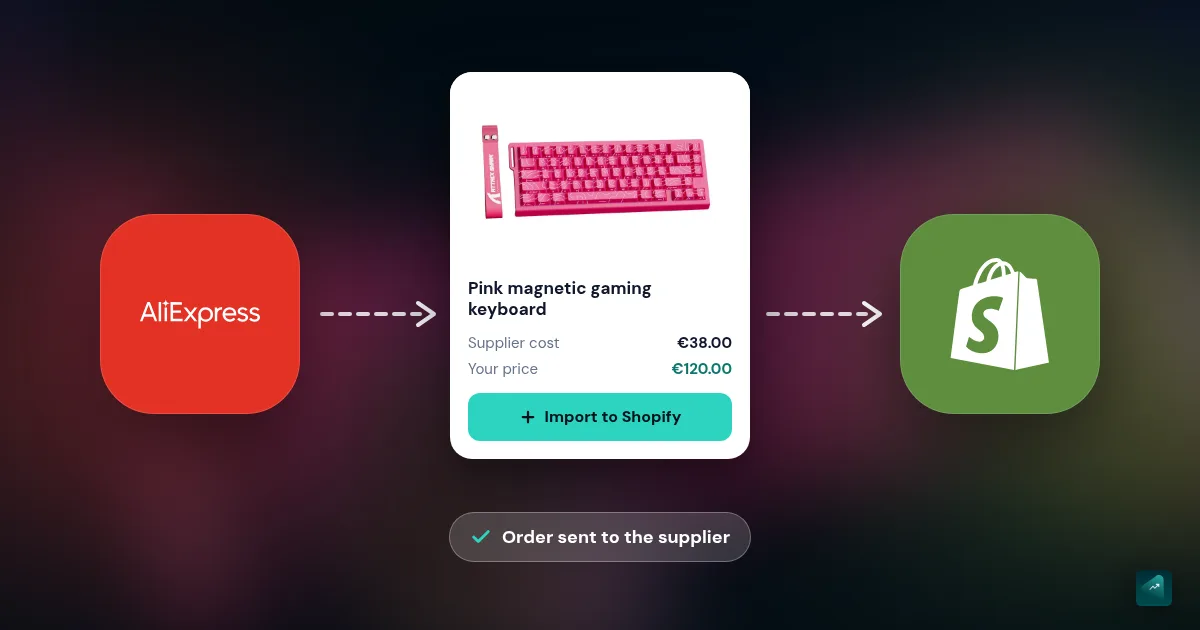
For products themselves: start with 5 to 20 products max. Not 200. You launch fast, you see what works, you expand. If you don't have inventory to put out, dropshipping and print-on-demand are options to validate without risk. For inspiration on offer and design, I dissected 10 Shopify store examples that convert.
2. Create your Shopify account
You go to shopify.com, you take the free trial then the current intro offer (terms change often, check the official Shopify pricing page).
You pick a temporary store name (doesn't matter at this stage, you can change it easily), your country, and you enter the admin. Everything happens through the Shopify Admin interface, no need to install anything.
At this stage, don't waste a minute touching configuration. You'll configure everything later. Move on.
3. Connect a domain name
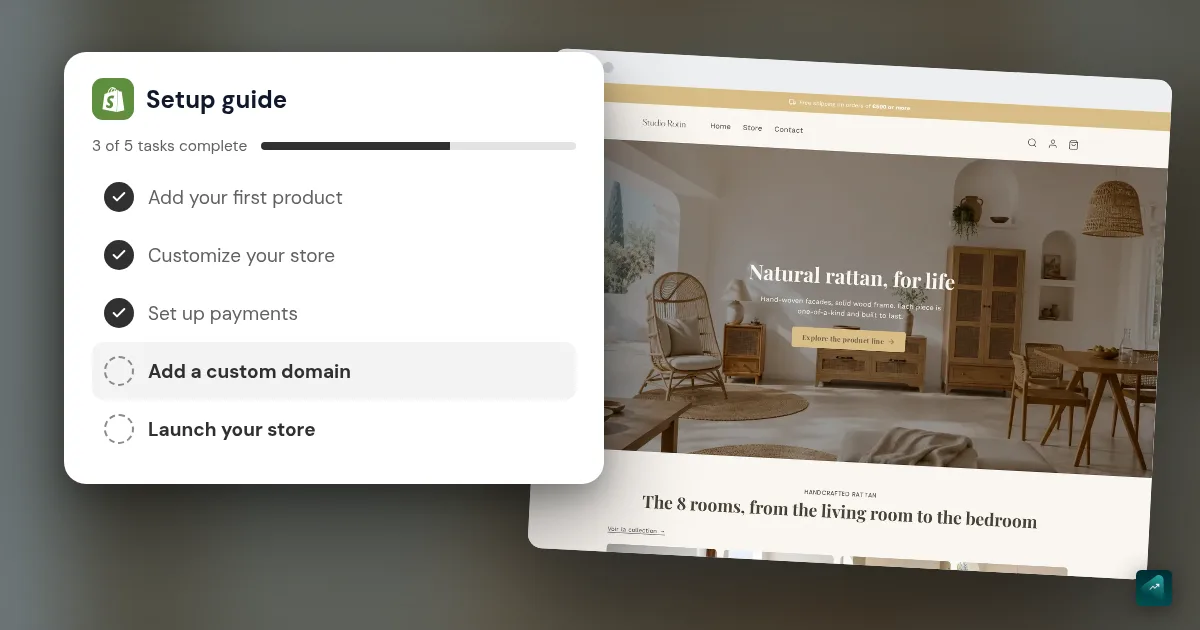
Buy your domain name before starting the design: it saves you from getting attached to a name that isn't available.
Two options:
- Buy through Shopify: $10-15/year, automatic connection, zero configuration. Recommended if you're starting and don't want to deal with it.
- Buy elsewhere (Namecheap, Cloudflare, Google Domains): a bit cheaper, more control, but you need to configure DNS yourself. Shopify's docs are clear, it takes 15 minutes.
Avoid exotic extensions (.shop, .store, .boutique) for your main brand. .com remains the trust standard.
4. Design your store
Three options here depending on your time and budget:
Option A: a Shopify theme plus manual customization. Pick a theme (my best Shopify theme comparison helps you decide), then replace text, images, and settings in the visual editor. Timing depends on catalog and experience. Upside: you learn the product. Downside: a specific customization may require Liquid. If you're comparing this with AI generation, see AI Shopify theme.
Option B: hire a freelancer or agency. Plan $1,500 to $5,000 for a customized store. You get something unique, but you pay, and you depend on the freelancer for changes.
Option C: use an AI platform like Scale Ova. You describe your project, the AI generates a complete theme (design, sections, product pages, collections) in minutes. It's a new category of tools; I wrote a dedicated method to create a Shopify store with AI if you want to dig in. It's the approach I recommend for those who want to save time on v1 and keep control to iterate after.
Whatever your option, simple is better at the start. A homepage, 5-10 collections, clean product pages with consistent photos. No need for a flashy site if the substance doesn't follow.
5. Configure payment and shipping
Payment: enable Shopify Payments if you're eligible (most countries are). No additional Shopify transaction fee, card rates set by your country and plan (1.5% + €0.25 per EU card on Basic in France as of September 15, 2026), and it's natively integrated with Shop Pay (the one-click checkout that boosts conversion).
Also enable PayPal: it's a massive trust lever on new sites, especially for buyers who don't know you yet. A lot of first orders come through that.
Shipping: decide early between flat rate, weight-based pricing, or free above a threshold. Calculate the threshold from your margin and average basket, then test whether it improves completed orders without erasing profit.
6. Prepare SEO and tracking before launch
This step is often postponed. You pay for that later when campaigns are running and nobody can identify exactly where visitors drop out.
To do before opening to the public:
- Install the Meta pixel and the conversion API (CAPI) server-side. Shopify has a native integration, take the time to wire it up correctly: adding the Facebook and TikTok pixel to Shopify covers the setup and the test order
- Install Google Tag Manager + Google Analytics 4 for clean tracking
- Submit the sitemap.xml to Google Search Console (Shopify generates it automatically at
yoursite.com/sitemap.xml) - Optimize meta tags on your main pages (category title, product pages). No need to do every product, knock out the 10 most strategic
- Prepare 3-5 product pages with truly worked descriptions (not copy-pasted supplier text). I detailed the method in how to write a Shopify product page that converts
- If you have many pages, an AI SEO tool for Shopify generates titles, meta, and alt text in bulk. Useful from a large catalog, pointless before
It takes you a clean half-day. It pays off from month one.
7. Find your first customers
Opening a Shopify store doesn't generate traffic. None. Traffic, you build it.
Three channels that work fast at startup:
- Meta Ads (Facebook + Instagram): the #1 channel to validate a product with paid spend. Start with a Sales objective campaign and a budget worked out from your margin (often $25-40/day), let it run 7 days, then judge each ad on its cost per purchase. Step by step: your first Meta Ads campaign.
- Organic TikTok: if your product has a strong visual or emotional angle, you can rack up views with no ad budget. Demands a lot of creation time, but ROI can be huge. When a video takes off, you can promote it: the TikTok Ads tutorial.
- Email marketing from day one: install a tool such as Klaviyo, capture emails with a coherent offer, and prepare a welcome sequence. Measure the revenue actually attributed to email instead of borrowing a general benchmark.
Avoid paid Google Shopping ads at the very start if you have no brand recognition: you'll be fighting on price with marketplaces running negative margins. Free listings cost nothing, though: the Google Shopping tutorial shows how to turn them on.
How long to launch (realistic)
Plan 1 to 4 weeks to launch cleanly if you already have a project that holds up. Actual duration depends mostly on how clear you are on your product, not Shopify itself.
- You know what you're selling, you have your photos and descriptions ready: 5 to 10 days
- You're starting from zero but you have a project that holds up: 2 to 4 weeks. If you're starting completely from zero on the technical side, I have a dedicated guide for opening an online store when you know nothing.
- You're still in product exploration phase: the bottleneck is product validation, not Shopify. Plan 1 to 3 months before a real launch
Polishing a site for too long delays the feedback that actually matters. Launch an imperfect but tested version. Early visits and orders reveal what design work alone cannot.
The mistakes I see on repeat
Six mistakes come back on repeat with new Shopify founders: no product validation, too many products at launch, mobile neglect, ad budget burned too early, zero retention strategy, and trust botched.
In order of appearance in a founder's life:
- Launching without validating demand. No research, marketplace review, or conversations with potential customers. You risk optimizing a store for a product nobody wants.
- Opening with 200 products. No one has time to make them all good. You end up with 200 mediocre product pages instead of 10 excellent ones.
- Ignoring mobile. Check device share in your analytics and test the full journey on a real phone. On many stores, mobile accounts for most visits.
- Burning ad budget before the foundation is solid. You launch Meta Ads when your checkout isn't optimized, your pixel isn't wired up, you have no abandoned cart email. You're paying for nothing.
- Ignoring retention. If every order depends on buying another new visitor, growth stays fragile. Email, post-purchase follow-up, and a good experience give customers a reason to return.
- Neglecting trust. It's what makes a visitor who likes your product close the tab anyway. No customer reviews, no "money-back guarantee" mention, no visible contact, legal pages hidden in microscopic footer. These signals aren't optional, they decide every purchase. On new brands, trust is probably the biggest lever after the product itself.
Avoiding these six mistakes gives you a cleaner launch. It does not replace product validation or traffic.
Project-specific guides
Not every project follows the same path. If yours falls outside the "general store" mold, I dig into specific cases elsewhere:
- You're not sure what business to build: how to launch an online business in 2026
- You want to sell fashion, where visuals drive much of the initial trust: creating an online clothing store
- You want to sell cosmetics, where the product file and the responsible person come before the photo: starting an online cosmetics store
- You want to sell tea or matcha, where the label and organic rules for online sellers come before the first pouch: how to start a tea business online
- You want to sell home decor or furniture, where shipping and the eco-fee are computed before the price: how to start a home decor business online
- You have a single product and want a page that sells it: one product store examples
- You want to sell gaming gear, where the right to resell the brand and CE marking come before the page: how to sell gaming gear online
- You're wondering what it really costs: Is Shopify free?
The stack I recommend at the start
At startup, 6 tools are enough. Shopify for the base, a theme (free or AI-generated), Klaviyo for email, Judge.me or Loox for reviews. For tracking: Meta pixel + GA4 + GTM. And Shopify Analytics for reporting.
Installing apps before identifying the need creates free complexity: cost, scripts, and extra settings. Here is the minimum stack I recommend. Add more only when a measurable problem appears.
| Need | Recommended tool | Why |
|---|---|---|
| Platform | Shopify (Basic plan) | Standard, you won't need to migrate for a long time |
| Theme creation / redesign | Free Shopify theme, Scale Ova, or Liquid freelancer | Depending on time and budget. Detailed in step 4 |
| Email & SMS | Klaviyo (free up to 250 contacts) | Absolute reference on Shopify, predictive AI included |
| Customer reviews | Judge.me or Loox | Loox for visuals (customer photos), Judge.me for price |
| Pixel & tracking | Meta Pixel + GA4 + Google Tag Manager | Indispensable, Shopify has native integrations |
| Pop-up / email capture | Klaviyo (built-in) or Privy | Klaviyo covers this need if you already have it for email |
| Loyalty program | Smile.io | Start when you have 100+ customers, not before |
| Basic reporting | Native Shopify Analytics | Sufficient for the first 6 months |
Don't go further until you've reached these stages. Stacking apps is tempting, but every app is weight on your site (perfs) and one more thing to maintain.
Going further
Want to launch your Shopify store without grinding through design and configuration? Scale Ova generates a complete, operational site in minutes from a simple description: theme, product pages, collections, commercial offers, and launch configuration. You keep full control to iterate afterward. You can generate and preview the store for free; an active subscription is required only when you publish. Discover Scale Ova